
Your Day AI assistant now works while you multitask and see exactly where answers come from.
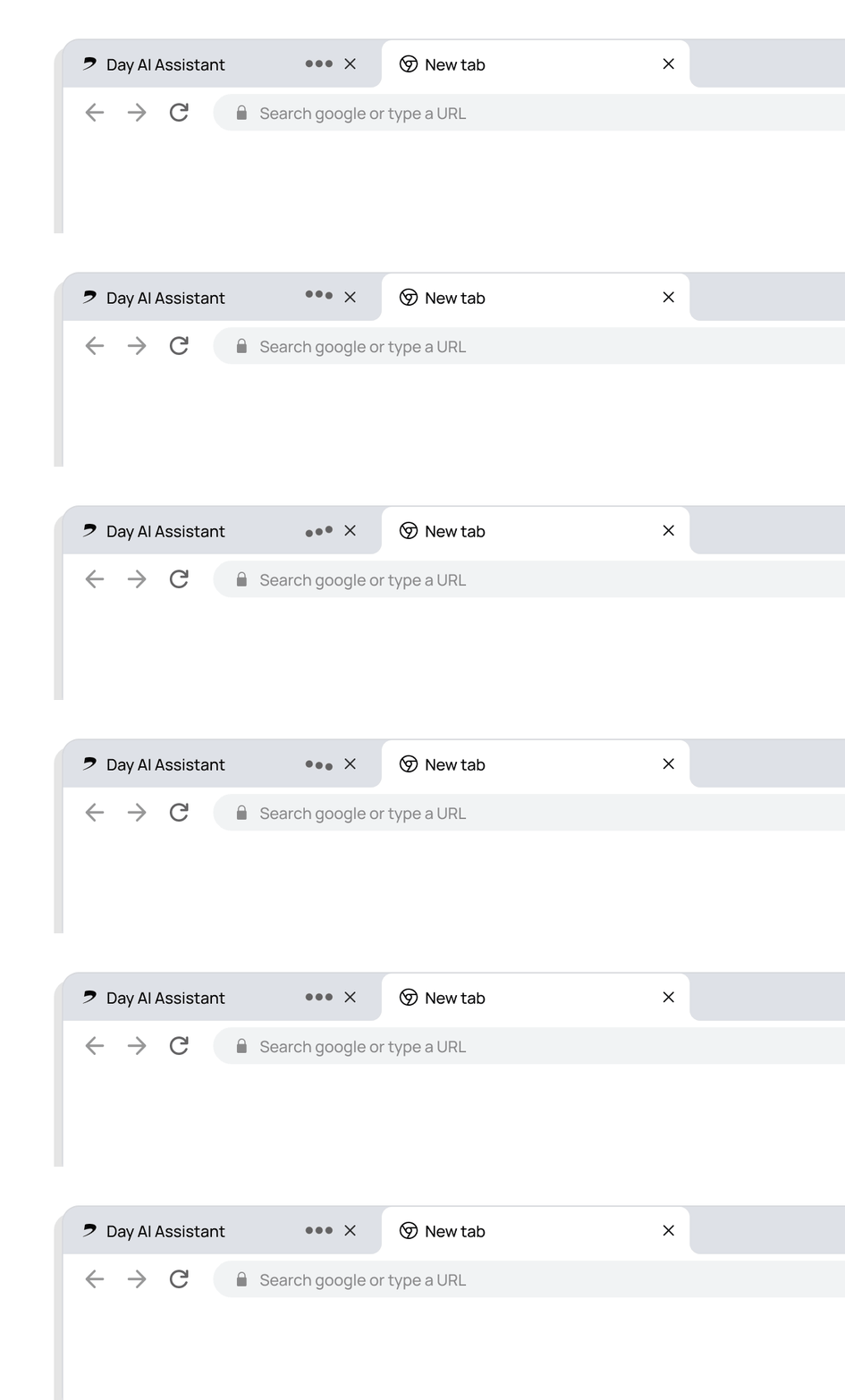
Assistant keeps working when you navigate away
You asked for this one a lot: your assistant now continues processing questions even when you switch browser tabs. Ask a complex question, go work on something else, and come back to find your answer ready.
This means you can fire off multiple questions at once and let Day AI work on all of them simultaneously. No more waiting around or losing progress when you need to multitask.
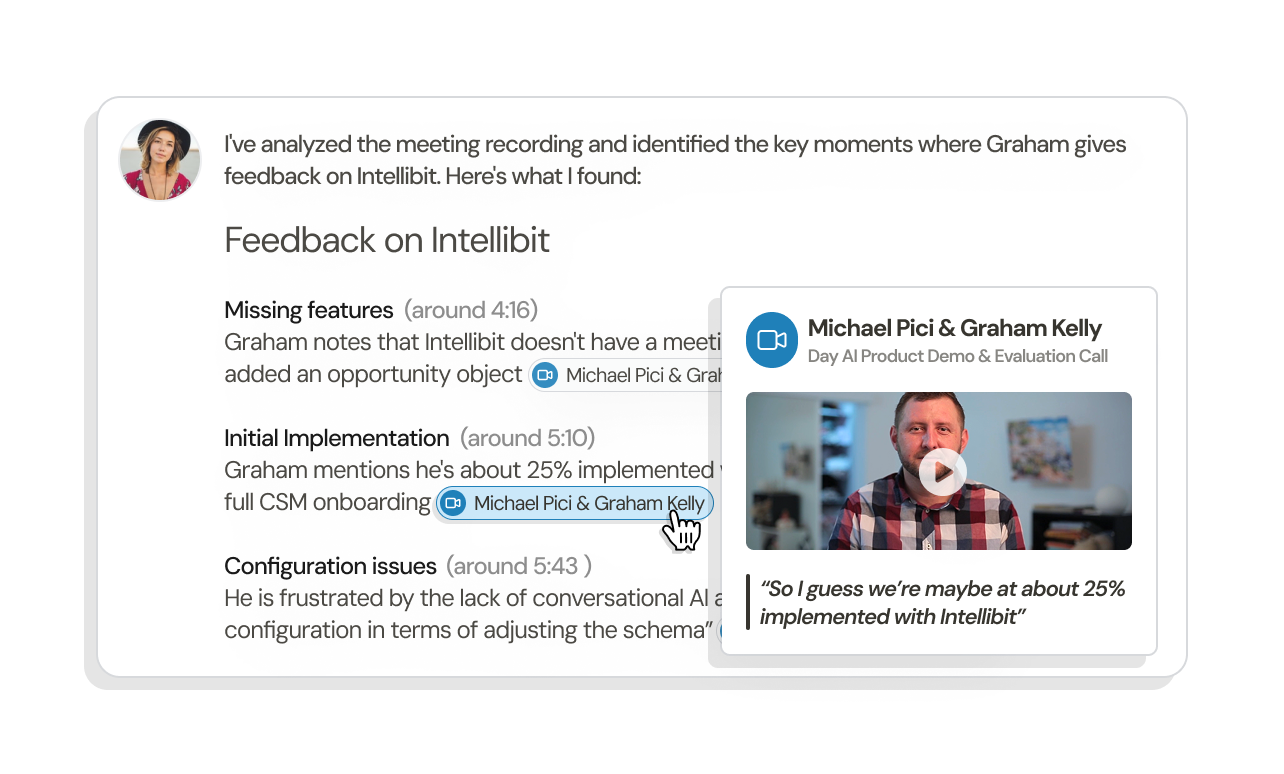
Citations show exactly where information comes from
When Day AI references information from a meeting recording, you'll now see a clickable citation that takes you to the exact moment in the transcript where those words were spoken.
This builds real trust in your search results – instead of wondering "where did this come from?" you can see and hear the original context in seconds. Sometimes a few seconds of video brings back way more context than reading text alone.
Available now
Both features are live for all Day AI users.
Citations currently work for meeting recordings, with email threads and other data sources rolling out next.
