
Chat with your Day AI Assistant directly in Slack
We've gotten this request consistently over the past few months: you want to search Day AI, update records, and create action items without switching contexts.
Now you can mention @DayAI in any Slack conversation and your assistant responds right in the channel or thread.
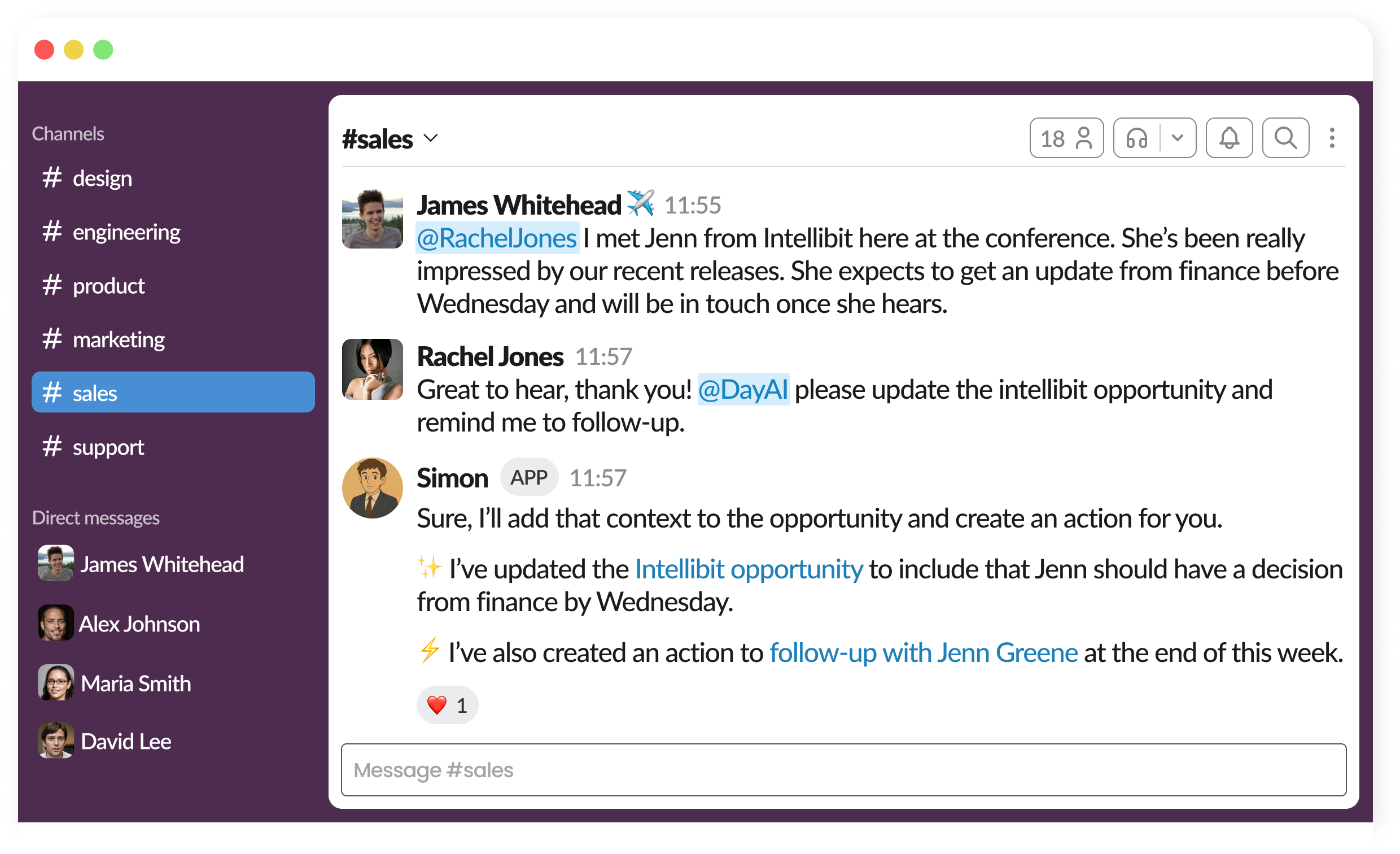
Why this matters
This is about fundamentally changing how you interact with a CRM. Instead of treating it like software you have to "go use", you can treat your Day AI assistant like a teammate. You're in a sales pipeline review? Ask your assistant to create an action item. Need to find context on a deal? Search without switching windows. The work happens where you already are.
This also gives you CRM access from the Slack mobile app. Update notes, search conversations, create actions—all from your phone. It's effectively a Day AI mobile experience, available wherever you use Slack.
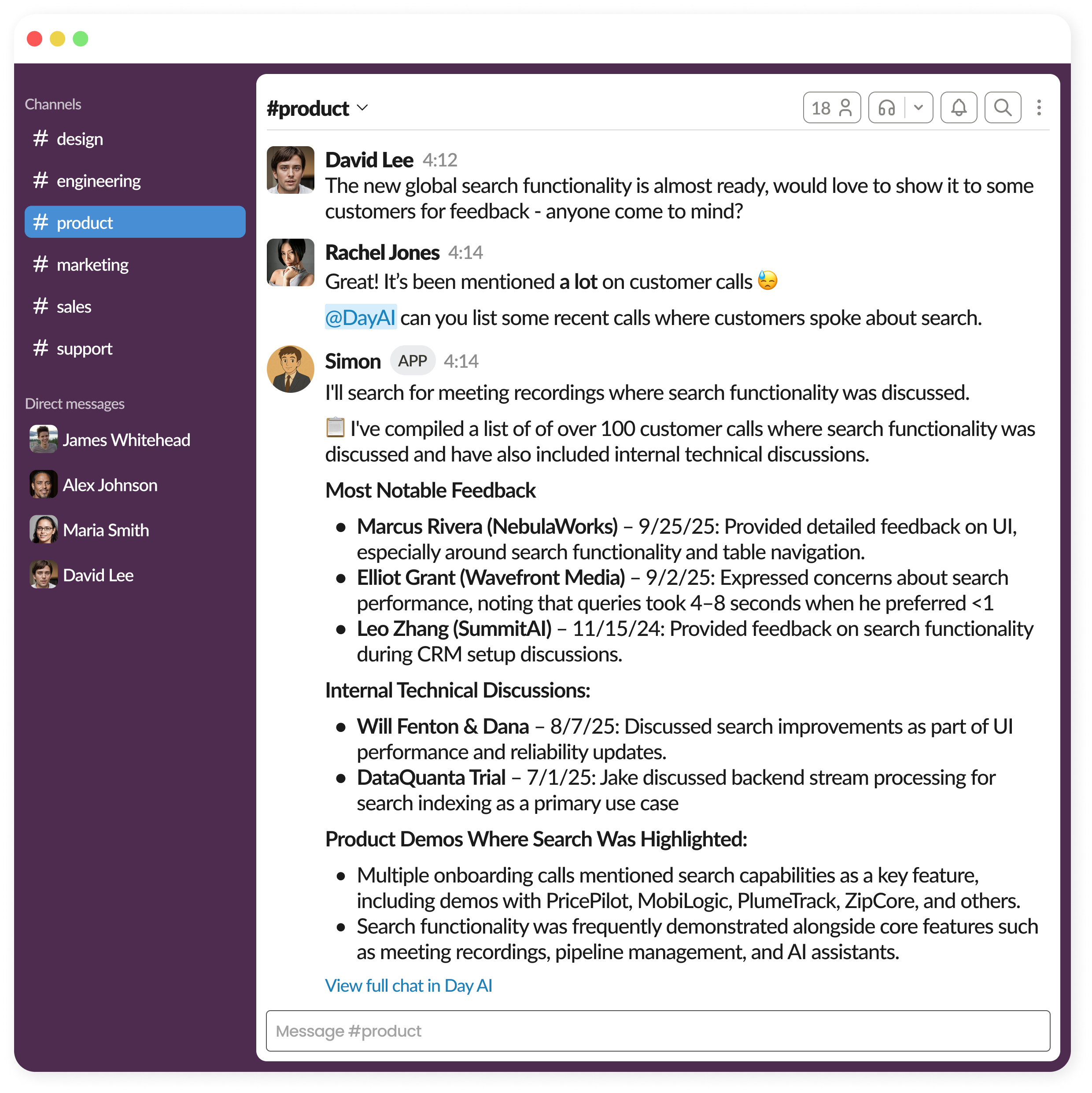
How it works
- Mention @DayAI in any Slack channel or DM @DayAI to and your assistant will respond directly in Slack. Note: Your Assistant can not join a DM between you and another person in Slack.
- You’ll see a 👀 reaction on your message, letting you know your assistant is working on your request
- Your assistant responds in the channel or thread
- Want to continue the conversation? Mention @Day AI again to let your assistant know about your request.
- Prefer to continue the conversation in Day AI? Click on the link to the chat your assistant provides at the end of each message.
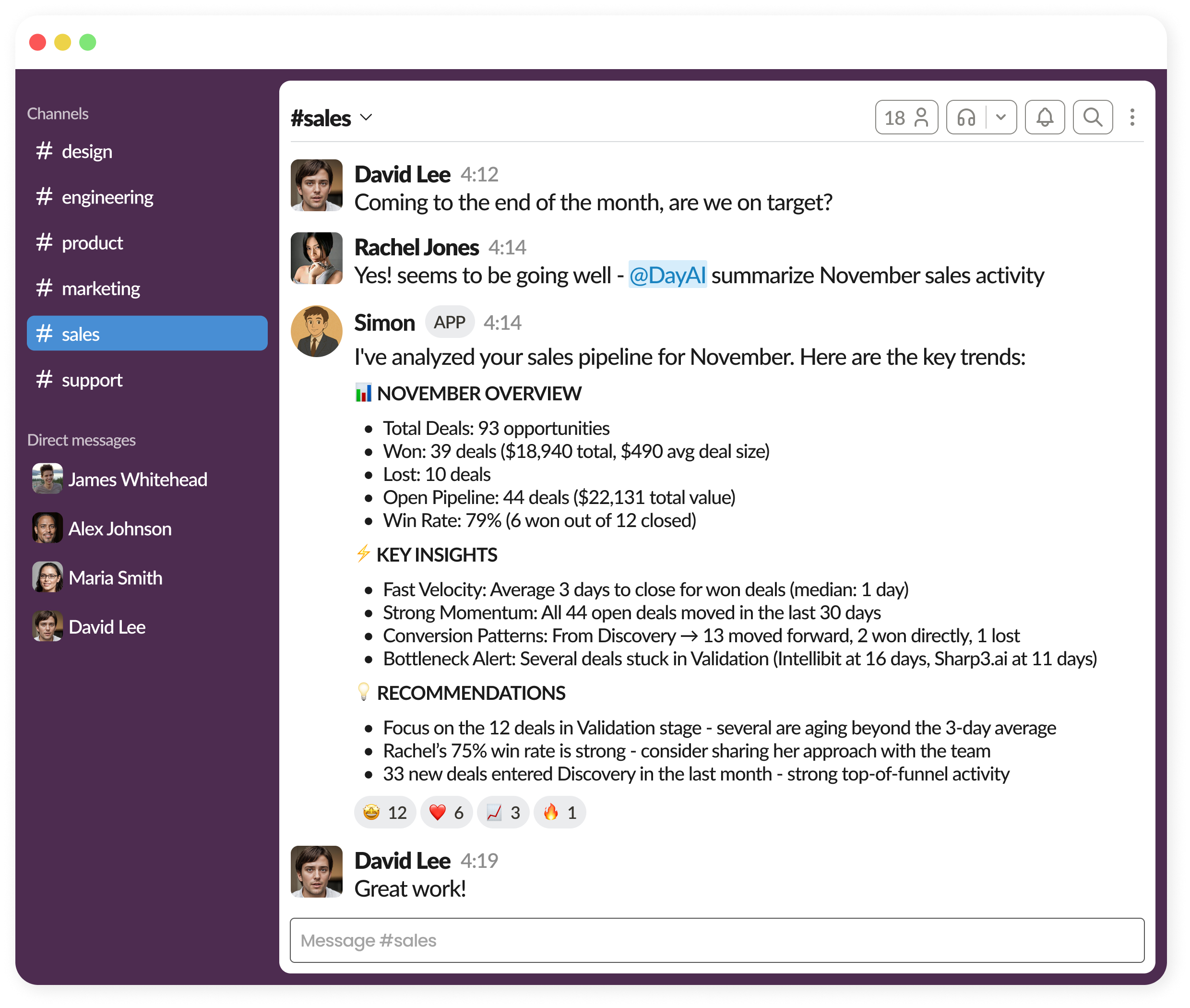
Getting started
This feature is available to all Day AI users with an Assistant enabled.
