
Answering questions is the tip of the iceberg when it comes to what a Day AI agent can do. The real leverage is treating your agent like an employee with a role and giving it skills: recurring jobs it owns without you asking each time.
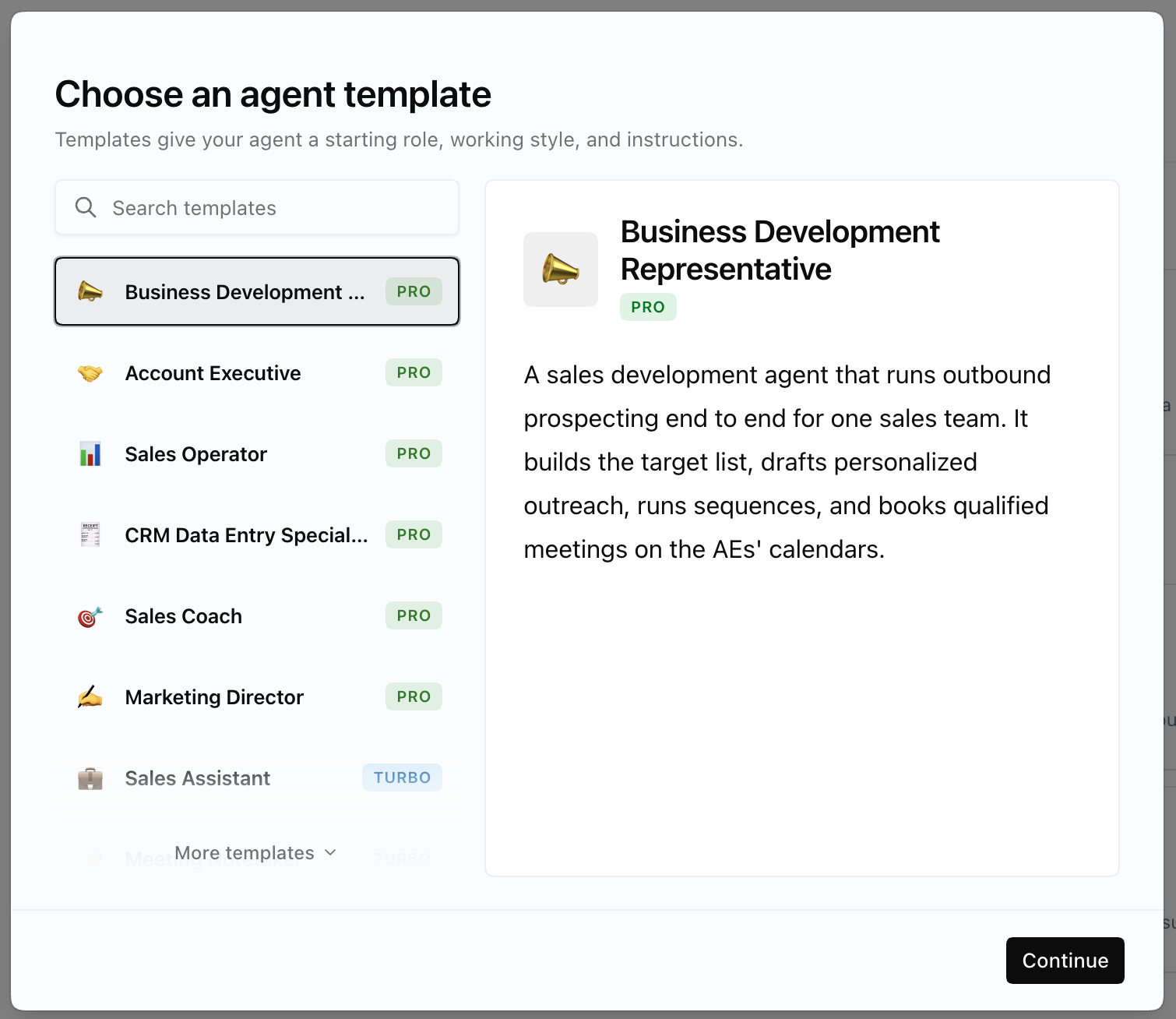
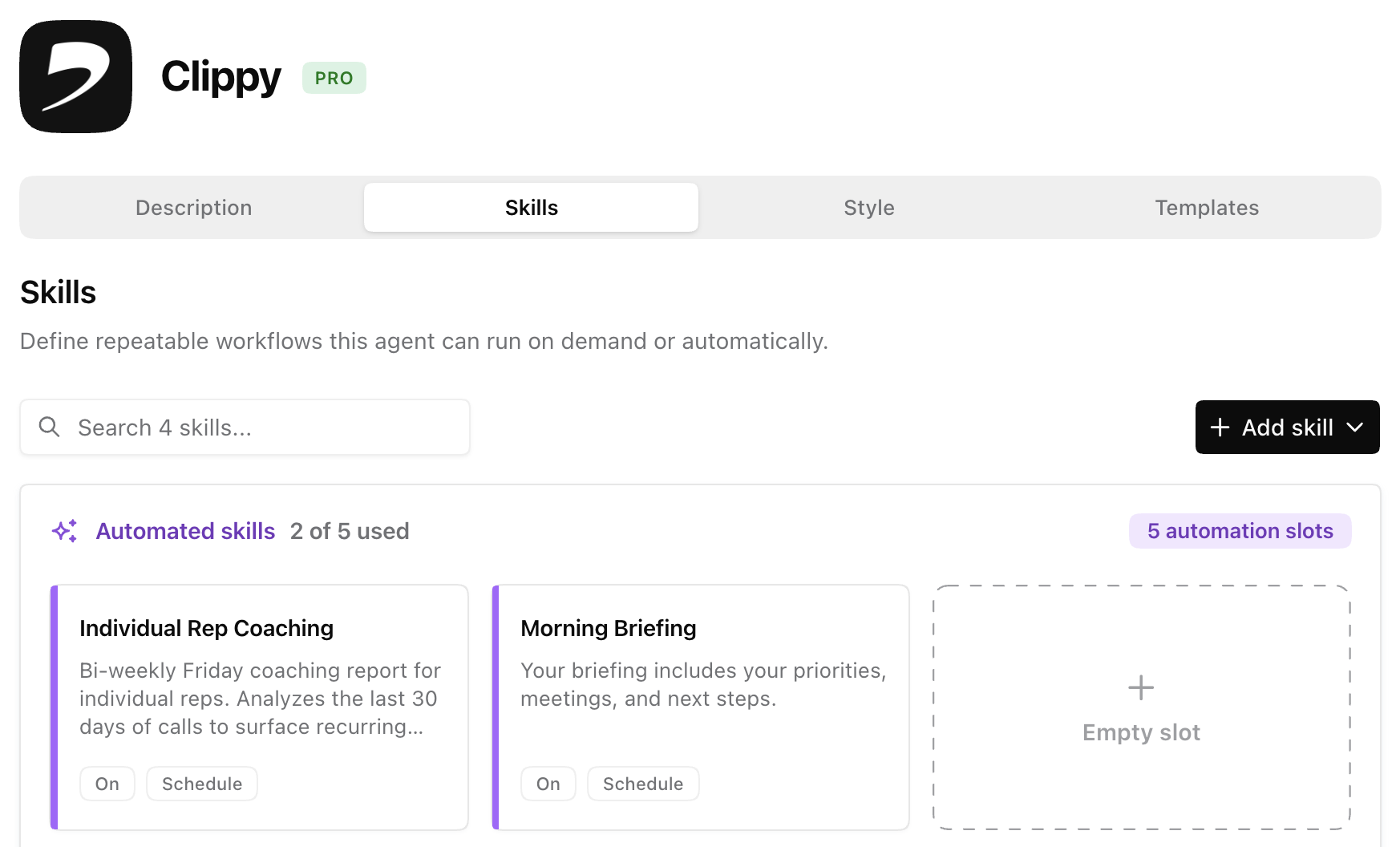
A skill doesn't wait in a chat. It runs on a schedule or in response to something happening in your workspace, does the work, and tells you what it found or did.
They already know.
Every skill runs on your agent's memory of your customers — built continuously from the emails, meetings, and Slack conversations you've connected. That memory keeps accumulating whether or not you're actively using it.
Set it and forget it.
Set a skill up once and it just keeps happening. Nobody has to remember to do the work, because it's already done by the time you'd have gotten to it.
Setting a skill up is a conversation, not a project. Describe the outcome, your agent builds the skill. No configuration screens to learn first.
"Create a skill that sends me a weekly pipeline summary every Monday at 9am."
"Create a skill that drafts follow-up emails after my meetings."
"Create a skill that flags bug reports from Slack."
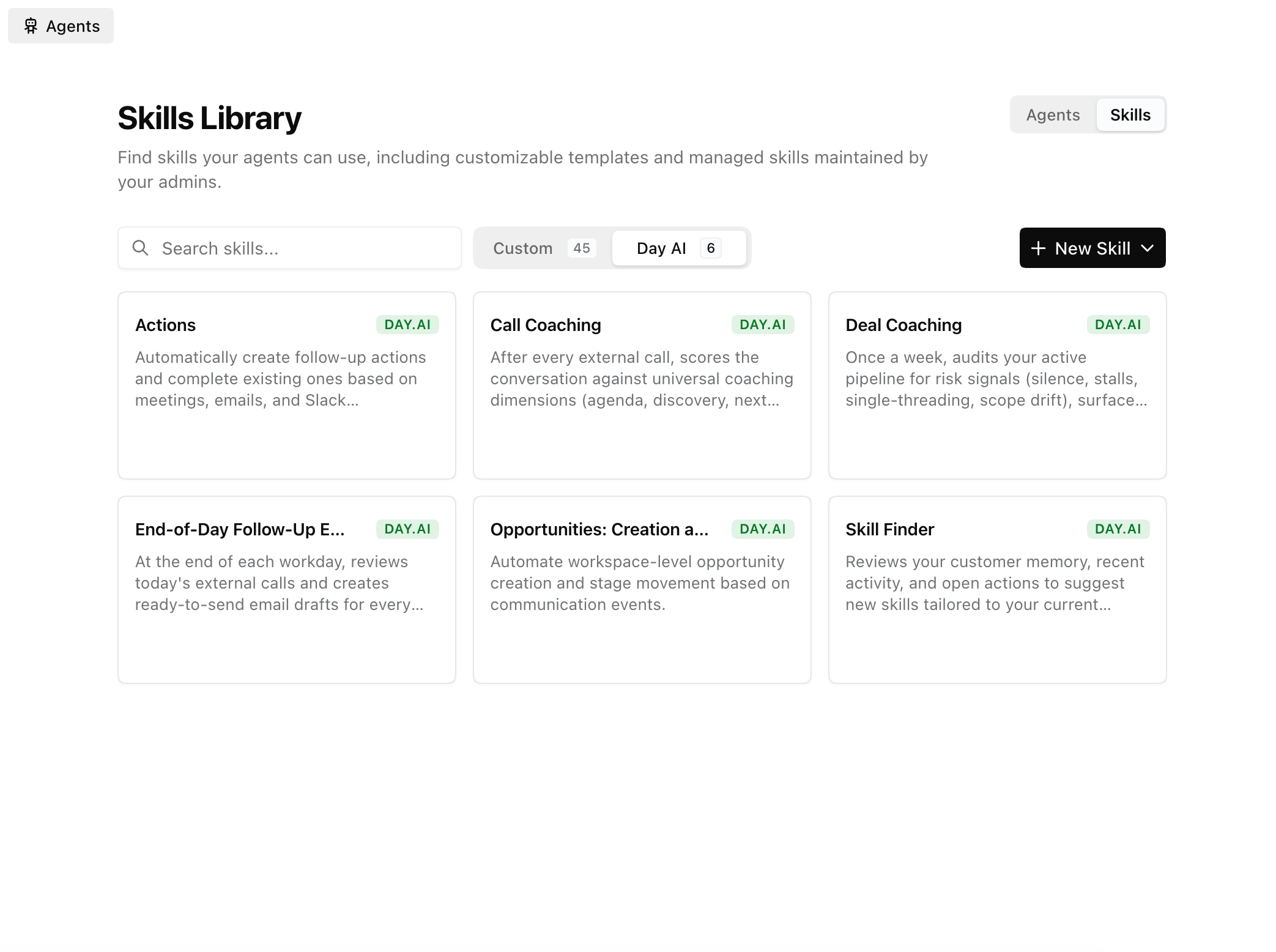
You don't have to build a skill from scratch. Day AI ships ready-made skills — Actions, Opportunity Automation, Call Coaching, Deal Coaching, End-of-Day Follow-Up Drafts, Hot Accounts — that you can add to your agent in minutes and adjust from there.
A working skill fades into the background. You'll know it's working when you stop doing the manual version of the task and only think about it when the notification lands. Still doing it by hand "just in case"? The prompt needs a tweak — tell your agent what's missing.
Fixing a skill works the same way. Your agent helps shape the prompt, pick a trigger, and set up notifications up front — and if something's off once it's running, you tell your agent what should change instead of hunting through settings.
For the mechanics (trigger types, data privacy settings, the Skills Library, troubleshooting a skill that isn't firing) see our Skills help doc.
Connectors: where the payoff compounds.
Skills are the most powerful when they can use your other tools. Without connectors, a skill can watch what's happening and tell you about it. With them, it can take action. This is where skills stop saving you a glance and start saving you the work.
- Customer mentions a bug on a call? Your agent opens the Linear ticket.
- Deal moves forward? It updates the stage in HubSpot.
- Meeting wraps? The follow-up is drafted and the recap is in Slack before you've closed the tab.
Bring your customer memory anywhere: Day AI via MCP
Day AI's customer memory is retrievable via MCP — the open protocol that's quickly becoming the standard way AI tools connect to live data, and that Claude, among others, has built native support for.
That means your workspace's memory isn't trapped inside the Day AI chat window. Connect it once, and you can open Claude Desktop or Claude Code and ask "what's the latest on Acme Corp?" and get an answer sourced from the same real-time customer graph your Day AI agent uses, without ever opening Day AI.
No exporting a CRM report. No copy-pasting a transcript into a prompt. No re-explaining who the account is or where things left off. The context travels where you're already working.
Most CRMs make you come to them. Day AI goes where you are. Set the connection up once, in a couple of minutes, and it's just there from then on.
