
We're building Day AI to work more like an actual person alongside you. That means expanding the core data model, adding controls you'd expect from any teammate, and refining the UI to make everything cleaner and more intuitive.
Here's what shipped:
What's new
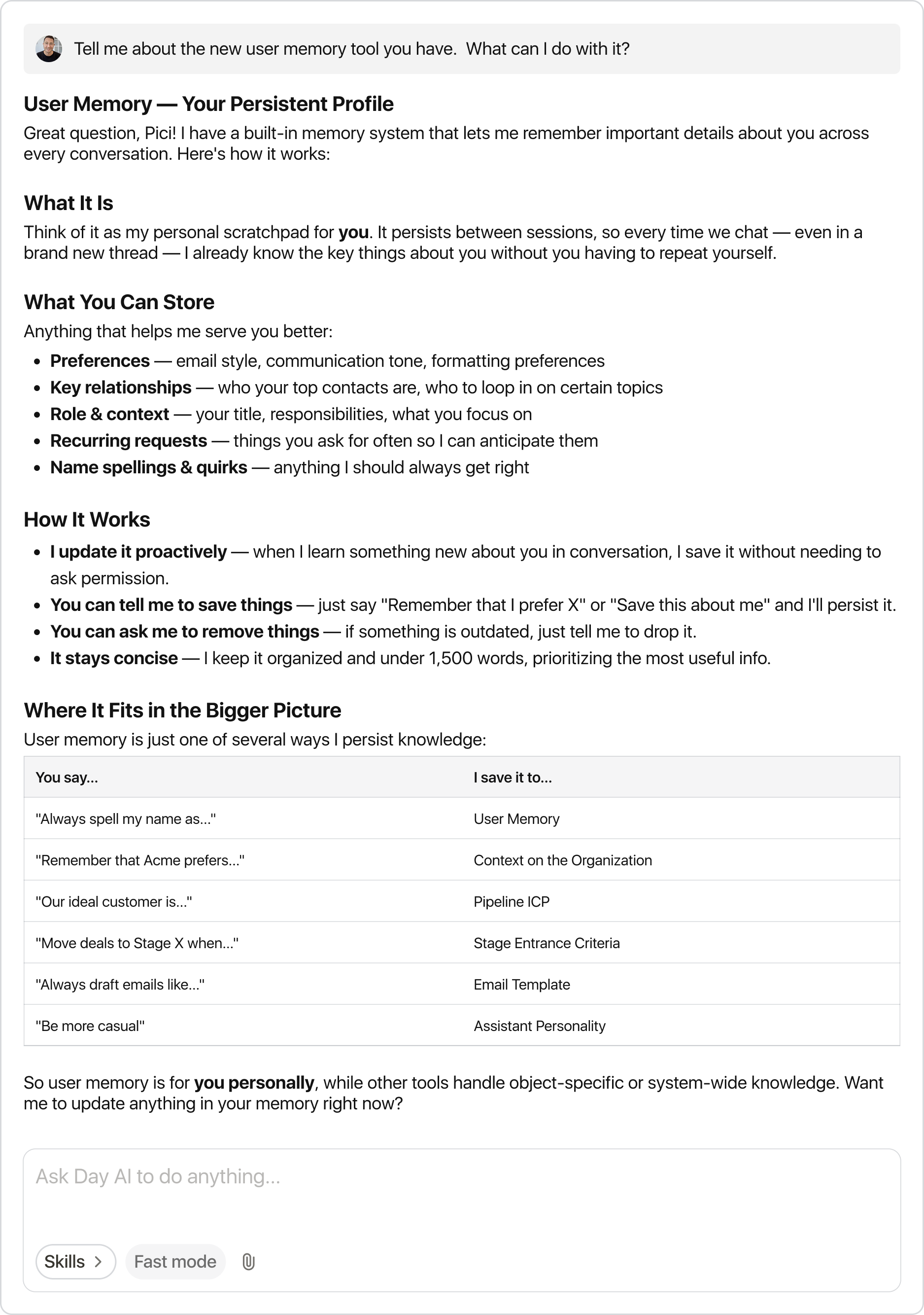
Your assistant remembers your preferences Your assistant now remembers your preferences across conversations. Tell it "always CC my co-founder on investor emails" or "I prefer bullet points in recaps" and it carries forward. Correct it when things change, or ask "what do you remember about me?" anytime. It learns proactively too.
Delete people, organizations, and opportunities Full control to clean house. Delete records from table views, pipeline boards, or directly in chat. When deleting an organization, you choose whether to remove associated contacts or keep them as standalone records. Deletion is permanent, so we've added clear confirmation steps throughout.
What's improved
Refreshed UI We're unifying the design and cleaning up surfaces throughout. This update includes a redesigned sidebar, updated navigation, and cleaner layouts. We're about 10% through this project and will keep improving.
Chat input redesign Skills, thinking mode, and file attachments are now consolidated into a single + button. Cleaner interface, same access to everything.
Inline object chat Start a conversation about any person, organization, action, meeting or opportunity directly from the side panel without leaving your current view.
Pipeline picker in table view Switch between pipelines directly from the opportunities table. No need to jump to the board.
Faster search A search bar is now built into the table toolbar. Hit / to focus it instantly.
Smarter Cmd+K results Search results now surface in order of relevance. Search for a person's name and people appears at the top.
Tables auto-refresh after assistant changes When your assistant adds a column or updates a filter, the table refreshes automatically. No manual refresh required.
Links in email compose Added inline links to the email composer formatting toolbar.
Faster timeline The timeline tab now loads the last 7 days by default, with smart prefetching. Click "Show full history" when you need more.
Templates moved to Assistant Settings Templates now live under Assistant Settings, and the Drafts nav item is renamed to Emails. Clearer homes for each concept.
More flexible importing A new CSV transform tool helps reshape data before it comes into Day AI.
